
Live capture of many windows
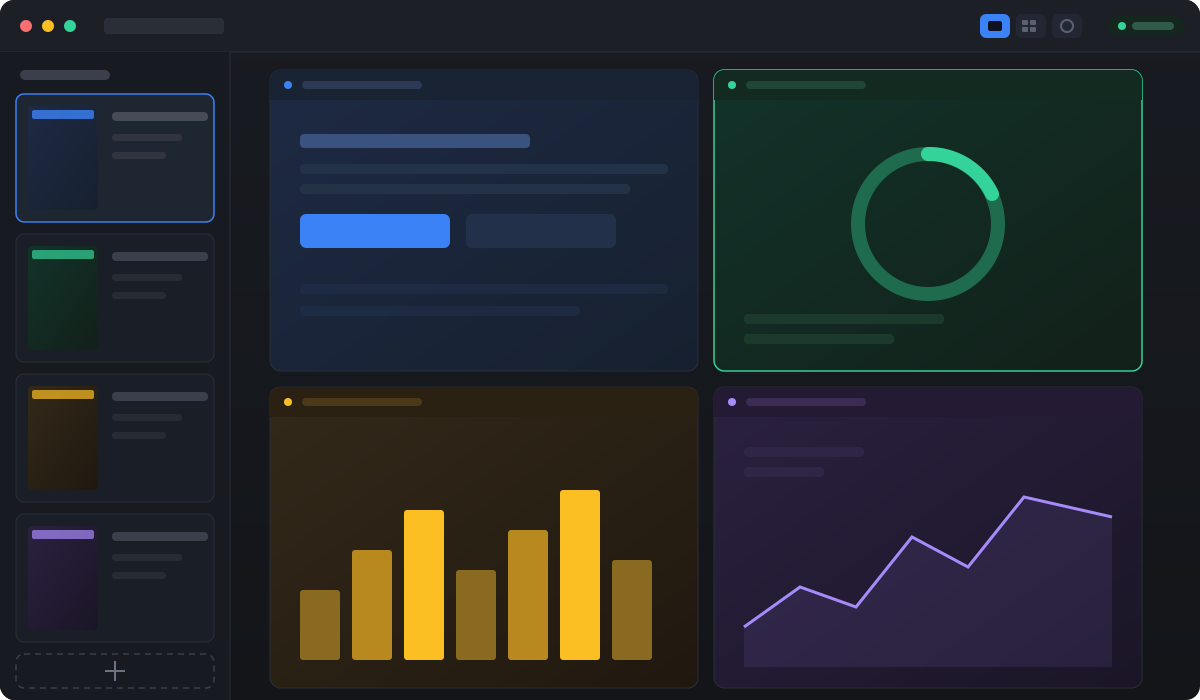
Mirror several application windows at once, in real time, inside a single control panel.
Multi-window control panel · Windows
A live grid, click and type directly into each window, and presets to switch scenes in one click.
Free for 2 windows, every feature. Requires Windows 10/11.
Features
Pull your windows into a single panel and work inside them right there. No more juggling scattered windows across the desktop.
Mirror several application windows at once, in real time, inside a single control panel.
Click, type and scroll right on the thumbnail. The input lands in the source window as if you were there.
One window front and center, a tiled grid with aspect-ratio presets, or floating cards placed wherever you like.
Crop each capture down to the part that matters: the scoreboard, the chat, the chart. Drop the rest.
Save up to 5 window-and-layout arrangements. Jump back to the right setup in one click, every day.
The interface speaks 10 languages. Tune the capture FPS too, to balance smoothness against system load.
How it works
Pick the open windows you want to watch. They show up in the sidebar as live captures.
Choose Spotlight, Grid or Free, crop out what you don't need, and save it as a workspace preset.
Act on any window straight from the panel: click, type and scroll, while keeping them all in view.
Pricing
One-time purchase, no subscription. Pay once and it's yours.
Every feature, no time limit.
Frequently asked
Download free and use 2 windows today. Go Pro when you need more.